What you can do with Treets.
Find something nearby, set it aside for pickup, or make someone’s day with a local gift.
Discover nearby shops
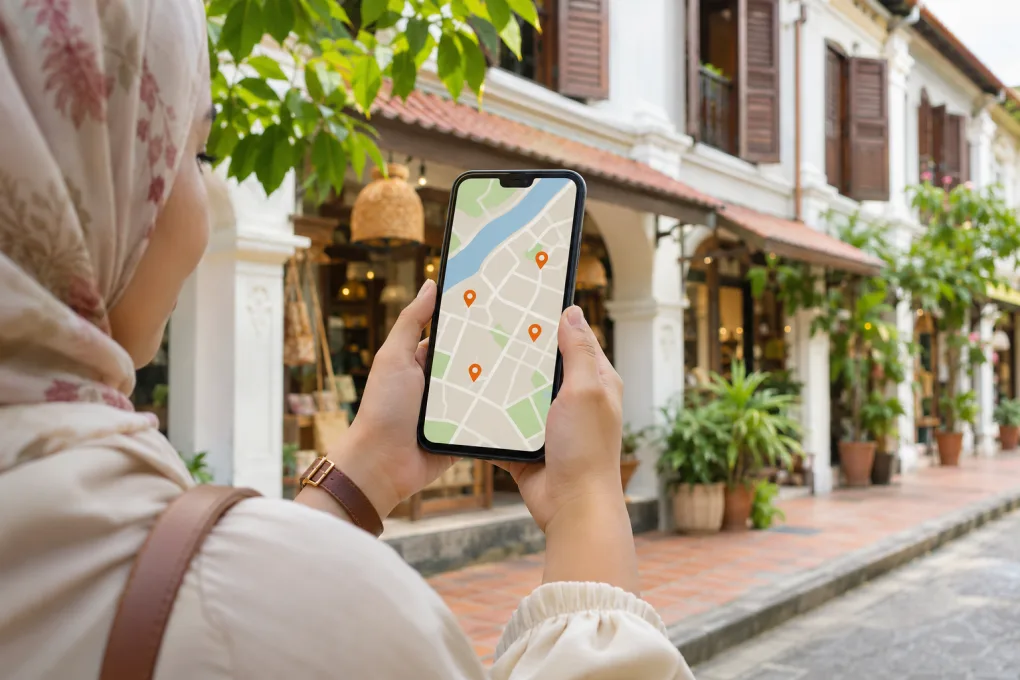
Browse the map to see what shops around you have to offer. You can also search for a shop or save a favourite to find it again later.
Before you head out
Open the shop’s profile for its location, available items and directions.
Book Ahead
Reserve an available item and pay at the shop when you collect it. Some items have a collect-by time or a pickup slot.
- Choose an item and check the pickup time and cancellation details before confirming.
- Find the booking and directions in My Bookings.
- Pay at the counter and show your collection QR to the shop.

Text a Treet
Send an eligible item from a local shop or a Cash Treet that can be used toward a purchase at a participating shop.
- Choose a gift, add a personal message if you like, and pick where it can be unlocked.
- At the unlock location, the recipient opens the gift in Treets.
- They check where and when to collect, then show their collection QR at the shop.

Earn shop rewards
At shops with an active loyalty programme, eligible completed purchases can count toward a reward set by the shop.
Keep track in Treets
Check your progress, the reward on offer and when to collect it once you’ve earned it.